Does CS2 have controller support? Everything you need to know
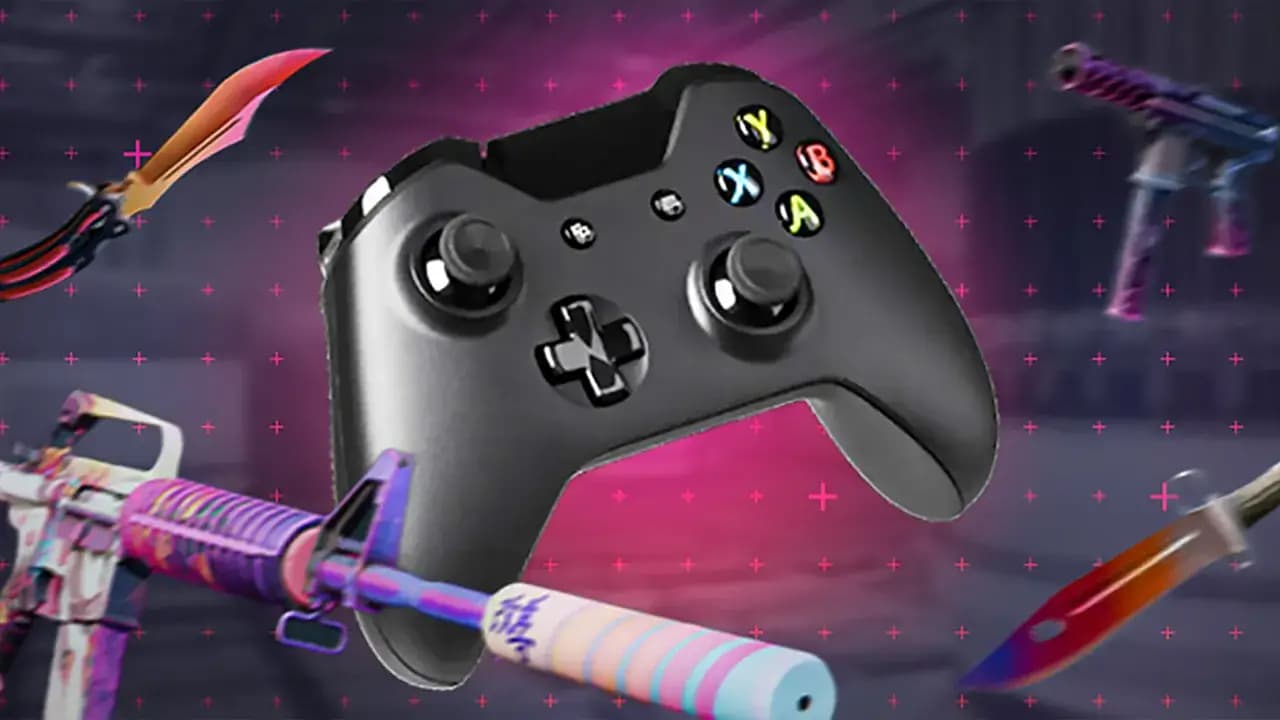
Overview of controller support in CS2
What types of controllers are supported?
CS2 supports Xbox, PlayStation, and most third-party gamepads via Steam Input. Steam ensures broad compatibility for XInput and DirectInput devices.
Plug-and-play vs. custom configuration
Basic controller support works out of the box, but advanced setup often requires custom mappings. Players may need to rebind buttons for CS2-specific functions.
Steam Input and controller mapping
Steam Input enables full customization, including touch menus, radial bindings, sensitivity tuning, and action layers. These tools greatly enhance usability.
Competitive implications of using a controller
Is it viable to play CS2 ranked with a controller?
Using a controller in CS2 matchmaking is possible, but suboptimal. Precision and reaction speed are significantly better with keyboard and mouse.
Aim assist and gamepad limitations
CS2 lacks aim assist for controller users, unlike many console FPS titles. This makes aiming and recoil control much harder for gamepad players.
How to set up a controller in CS2
Connecting your device
Connect your controller via USB or Bluetooth, then launch Steam. The platform should detect your device automatically.
Configuring layout via Steam
Go to Steam > Settings > Controller > General Controller Settings. Enable support for your device (e.g., Xbox or PlayStation configuration support).
Recommended settings and adjustments
Increase analog sensitivity, assign critical actions to bumpers or paddles, and explore gyro aiming if using compatible hardware.
Community feedback and trends
What do professional players say?
Pro players strongly prefer mouse and keyboard, especially in competitive play. Controllers are rarely, if ever, seen in high-level CS2 matches.
Controller usage among casual players
Casual gamers may use controllers for relaxed gameplay, particularly in non-ranked modes. Comfort and familiarity are common reasons.
Data and player preferences from CS:GO to CS2
Less than 1% of CS:GO players regularly used controllers, and early CS2 data reflects a similar trend. Keyboard and mouse remain dominant.
Additional tips for better controller experience
-
Enable gyro aiming if supported – improves precision for flick shots and micro adjustments.
-
Reduce input latency – disable V-Sync and enable raw input in-game and in Steam.
-
Use High Performance mode – set Windows to High Performance to avoid CPU/GPU throttling.
-
Adjust deadzones and response curves – fine-tune your sticks via Steam Input for better control.
-
Keep drivers and firmware updated – especially for wireless connections to reduce lag.
-
Use grips and extenders – for improved comfort and control in long sessions.
-
Join Steam communities – download tested CS2 controller configurations to save setup time.
-
Practice with training maps – aim_botz and others help improve flicks and tracking on controller.
Controller support across platforms
Does controller support work on Linux and macOS?
Controller compatibility varies across operating systems. While Steam Input works on Linux and macOS, specific drivers may be required for full functionality.
What about using Steam Deck with CS2?
The Steam Deck is fully compatible with CS2, and its built-in controller can be customized using Steam Input. Performance may vary depending on settings.
Can you connect multiple controllers for local use?
CS2 does not support local splitscreen or multiplayer on a single machine, so multiple controllers are not currently useful in local gameplay.
Conclusion: does CS2 have controller support?
Yes, CS2 does have controller support, but it’s limited in scope and not optimized for competitive gameplay. While Steam Input allows deep customization, the absence of aim assist and slower input response make gamepads less viable in ranked modes.
For casual matches and accessibility purposes, controllers can still provide a comfortable alternative. With proper configuration and expectations, players can enjoy CS2 on their terms.
Thinking of trying CS2 with a controller? Customize your layout in Steam, explore gyro aiming, join controller communities, and stick to unranked modes to get the most out of the experience.